
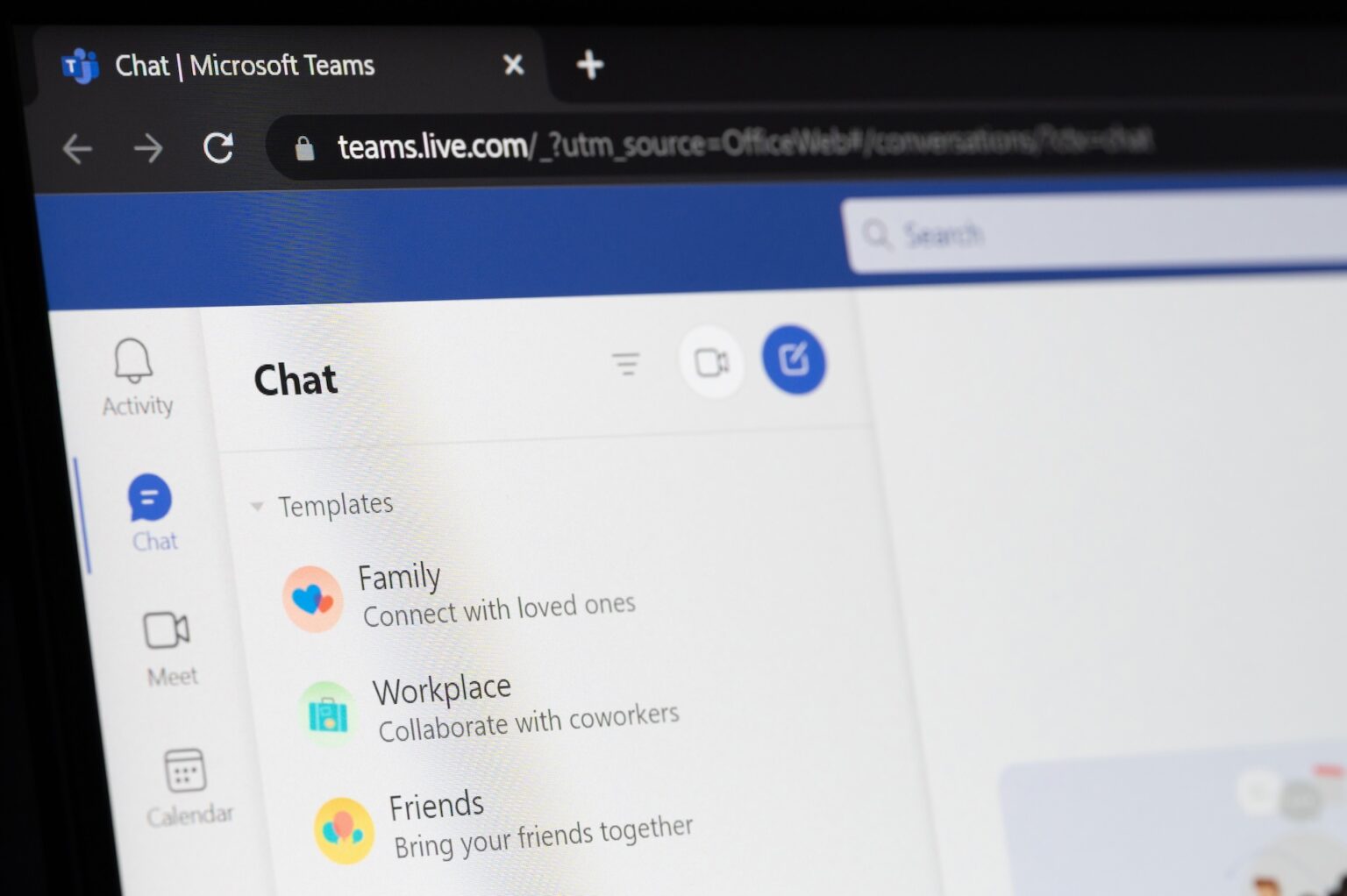
We’re spotlighting Microsoft Teams—an essential tool that’s transformed the way we work and collaborate. While many associate Teams with video calls, its capabilities extend far beyond that. Dive in with us as we explore collaboration features, integrations, productivity hacks, and touch upon Teams Phone and Planner.
Collaboration at Its Finest
Microsoft Teams is built for teamwork. With features like chat, file sharing, and real-time document editing, it offers seamless collaboration. You can set up channels for different projects or departments, ensuring that conversations and resources are organised and easily accessible. The ability to co-author documents within Teams means your team can work together efficiently, with everyone on the same page.
The Files Tab
The Files tab in each Teams channel is a powerful feature that centralises all your project-related files, ensuring that your team’s documents are always at your fingertips. Whether it’s Word documents, Excel spreadsheets, or PowerPoint presentations, everything is stored in one place. This eliminates the need to hunt through emails or disparate storage locations to find what you need. Additionally, the Files tab integrates seamlessly with SharePoint, providing robust file management capabilities and version control.
But the Files tab does more than just store documents. It also keeps all your project files, Planner boards, and project-related chat together in one cohesive space. This means that any planning, discussions, and document edits are all contained within the same channel, making it easy to track project progress and ensure everyone is aligned. You can even pin important files to the top of the tab for quick access, ensuring that vital documents are always readily available.
Integrations That Enhance Workflow
Teams integrates effortlessly with other Microsoft 365 apps, such as Outlook, OneDrive, and SharePoint. This integration allows you to schedule meetings directly from your calendar, access and share files stored in OneDrive, and collaborate on projects using SharePoint. But it doesn’t stop there—Teams also supports integrations with third-party apps like Trello, Asana, and GitHub, allowing you to tailor the platform to your specific needs.
Productivity Hacks
Maximise your productivity with these Microsoft Teams hacks:
- Use Keyboard Shortcuts: Save time with shortcuts like Ctrl+Shift+M to mute/unmute or Ctrl+E to go to the search bar.
- Set Up Notifications: Customise notifications to stay updated on important messages without getting overwhelmed.
- Utilise Tabs: Add tabs for apps, files, and websites your team uses frequently for quick access.
- Leverage Task Management: Turn messages into tasks with Microsoft To Do or Planner.
Teams Phone
Teams Phone brings your communication to the next level by integrating calling capabilities. Make and receive calls directly from Teams, reducing the need for separate phone systems. With features like voicemail, call forwarding, and caller ID, Teams Phone ensures your team stays connected, no matter where they are.
Planner
Microsoft Planner is a task management tool that integrates seamlessly with Teams. Create, assign, and track tasks within your team’s channels. With Planner, you can visualise project progress using boards and charts, making it easier to manage workloads and deadlines, and ensuring nothing falls through the cracks.


