
Word
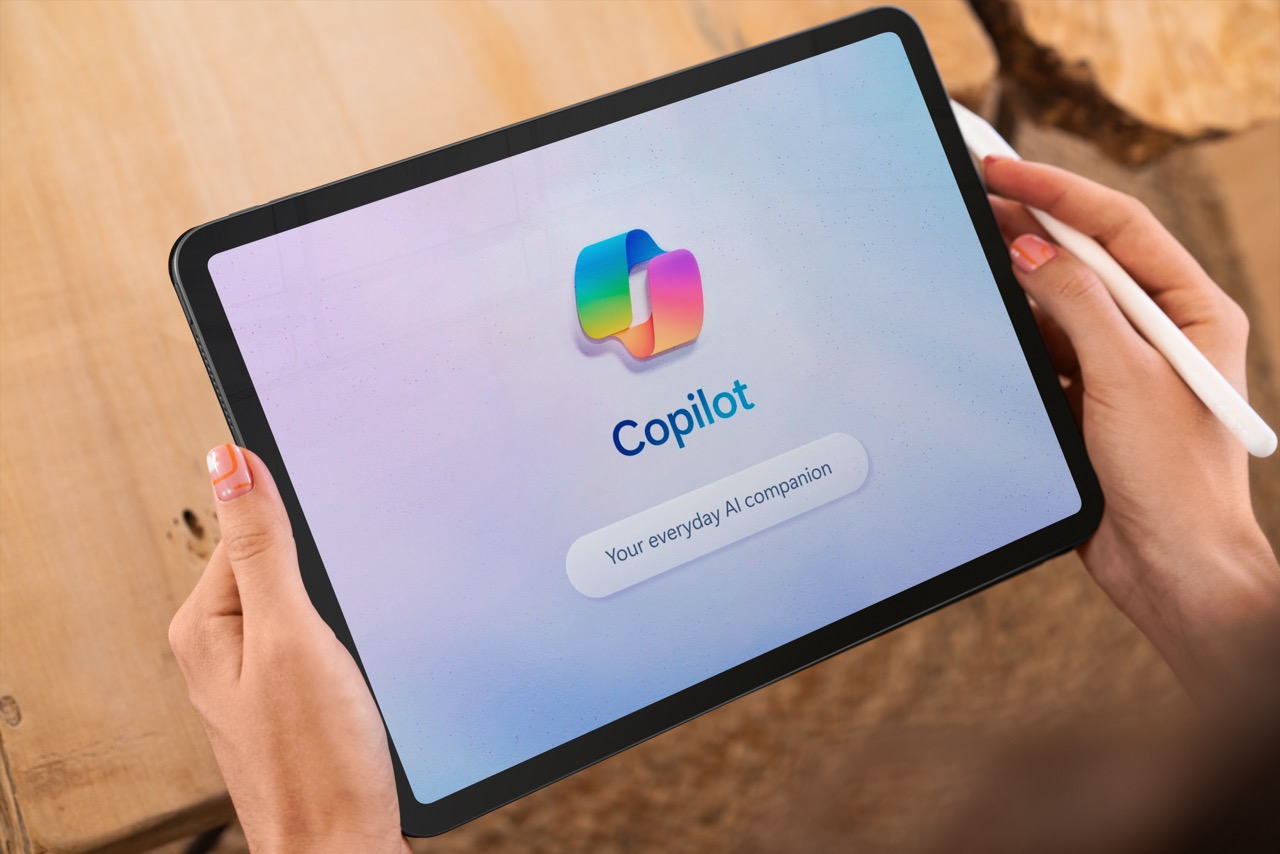
Copilot is revolutionising the way we use Microsoft applications by seamlessly integrating into Word, Excel, Outlook, Teams, and PowerPoint. This powerful tool automates tasks and enhances user experience, making daily operations more efficient and productive.
In Word, Copilot offers real-time writing assistance. It can suggest grammar and style improvements, ensuring that documents are polished and professional. For example, if you’re drafting a report, Copilot can help structure your content, suggest edits, and even provide summaries. This not only saves time but also enhances the quality of your work.
Excel
Excel users benefit greatly from Copilot’s integration. It can automate data analysis and visualisation. If you have a large dataset, Copilot can quickly identify trends, generate charts, and provide insights. It can also automate repetitive tasks such as data entry and formula applications. Imagine updating a monthly sales report with minimal effort; Copilot handles the heavy lifting, freeing up your time for strategic planning.
Outlook
Outlook integration with Copilot improves email management. It can help you draft emails, manage your calendar, and prioritise your inbox. For instance, if you receive an email requesting a meeting, Copilot can suggest suitable times based on your calendar and even draft a response. It can also categorise and flag important emails, ensuring that you never miss critical communications.
Teams
Teams integration brings a new level of collaboration. Copilot can assist in scheduling meetings, managing tasks, and even transcribing meeting notes. During a virtual meeting, it can highlight action items and assign tasks to team members. This ensures that everyone is on the same page and that follow-up actions are clearly defined.
PowerPoint
In PowerPoint, Copilot enhances presentation creation. It can help design slides, suggest layouts, and even generate content based on the topic. If you’re preparing for a big presentation, Copilot can streamline the process by organising your ideas, suggesting graphics, and ensuring that your message is clear and engaging.
Conclusion
Copilot’s integration across these applications transforms the way we work. It automates mundane tasks, enhances communication, and improves overall productivity. Whether you’re drafting a document, analysing data, managing emails, collaborating with your team, or creating a presentation, Copilot is there to assist, making your work life more efficient and enjoyable.


