
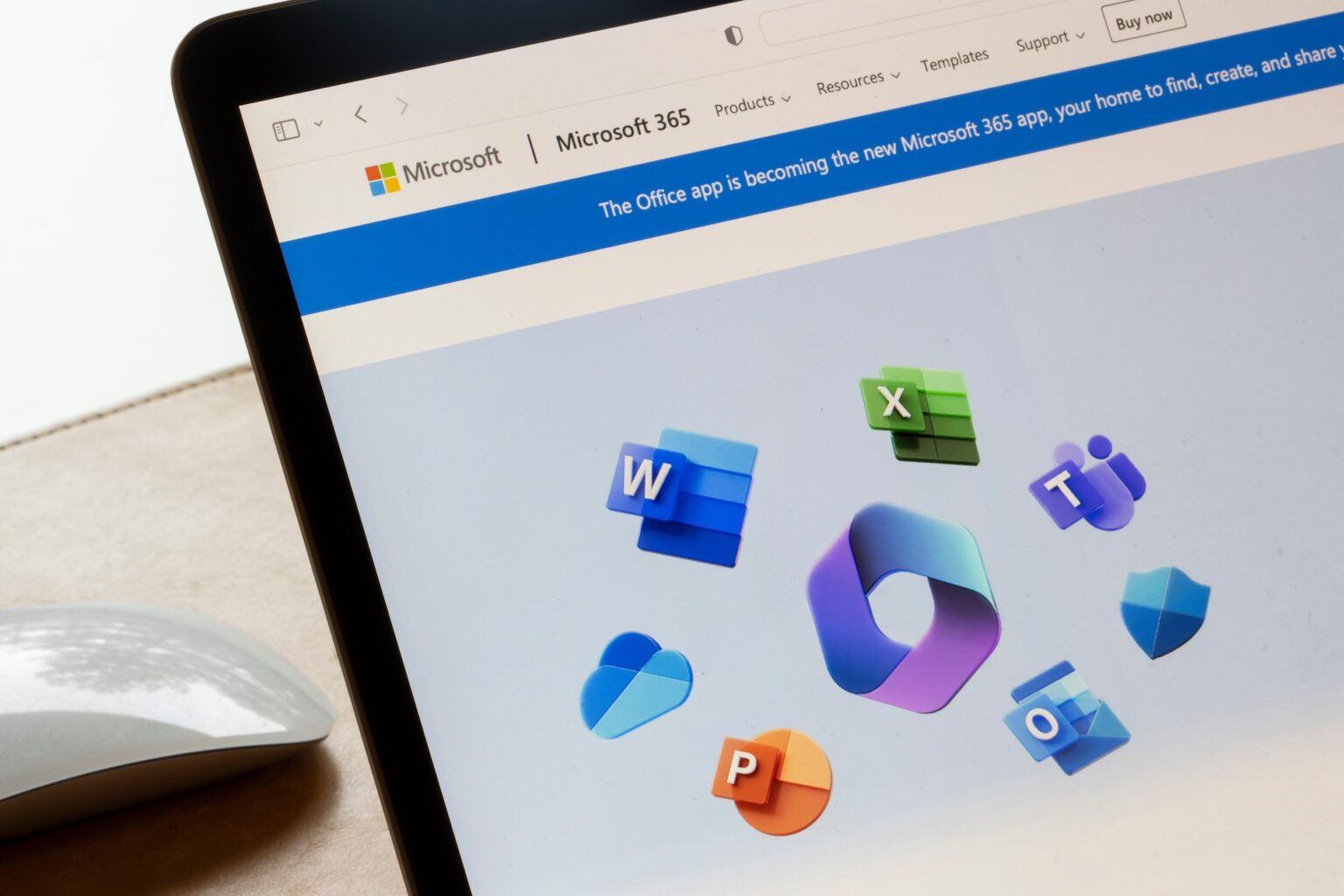
Microsoft 365 is a comprehensive suite of productivity tools that many of us are familiar with. However, beneath the surface lies a treasure trove of lesser-known applications that can significantly enhance your workflow and productivity. In this post, we will spotlight some of these hidden gems, including Microsoft Loop, Bookings, Viva Insights, Planner, Teams Phone, and SharePoint e-signatures.
Microsoft Loop
Microsoft Loop is an innovative tool designed to foster collaboration and streamline project management. At its core, Loop offers a flexible and dynamic canvas where teams can co-create, share updates, and track progress in real-time. Unlike traditional collaboration tools, Loop’s components are modular, allowing you to embed and update content across different Microsoft 365 apps such as Teams, Outlook, and OneNote. This integration ensures that your team is always on the same page, regardless of the platform they are using.
Microsoft Bookings
If you’ve ever struggled with scheduling appointments or managing bookings, Microsoft Bookings might just be the solution you’ve been looking for. This intuitive application allows businesses to create a customised booking page where clients can schedule appointments based on staff availability. Bookings integrates seamlessly with Outlook, ensuring that your calendar is always up to date. Whether you’re running a small business, managing a medical practice, or coordinating meetings, Bookings can save you time and reduce the hassle associated with scheduling.
Microsoft Viva Insights
In the modern workplace, maintaining productivity and well-being is crucial. Microsoft Viva Insights provides valuable data-driven insights to help individuals and teams improve their work habits. By analysing data from your daily activities, Viva Insights can suggest actionable recommendations to enhance focus, well-being, and productivity. For instance, it can remind you to take regular breaks, suggest times for deep work, or even encourage you to disconnect at the end of the day. By leveraging these insights, you can create a healthier and more productive work environment.
Microsoft Planner
Microsoft Planner is a planning and task management tool that enables teams to create, assign, and track tasks within a visual dashboard. Its intuitive interface allows you to organise work into boards, making it easier to manage projects and collaborate. By integrating with other Microsoft 365 tools such as Teams and Outlook, Planner ensures that everyone stays in sync and deadlines are met efficiently.
Teams Phone
Teams Phone is a powerful communication tool that extends the capabilities of Microsoft Teams by integrating voice calling functionalities. With Teams Phone, users can make and receive calls directly from the Teams app, eliminating the need for separate phone systems. This feature is particularly useful for businesses looking to streamline their communication channels and improve collaboration, as it brings voice, video, and messaging into one unified platform.
SharePoint e-signatures
SharePoint e-signatures allow users to manage and execute electronic signatures directly within SharePoint. This feature simplifies the document signing process, making it faster and more secure. By reducing the need for physical signatures and paper documents, SharePoint e-signatures enhance productivity and ensure compliance with legal requirements.
Ready to unlock the full potential of Microsoft 365? Book a call with us today for a personalised chat about how to get the most out of these powerful tools. Our experts are here to guide you through the features and help you integrate them into your workflow seamlessly. Don’t miss out on the opportunity to elevate your productivity and collaboration. Click the link below to schedule your call now!


